Understanding the Image to Prompt Generator
The rise of artificial intelligence in creative fields has transformed the way artists and designers harness inspiration. Among the innovative tools available, the image to prompt generator stands out as a game-changer, enabling creators to translate visual cues into actionable text prompts. This process not only enhances creativity but also streamlines workflows for those who employ various AI models for art generation. In this article, we will explore the nuances of image to prompt technology, its benefits for artists and designers, and how it can transform traditional creative processes.
What is an Image to Prompt Generator?
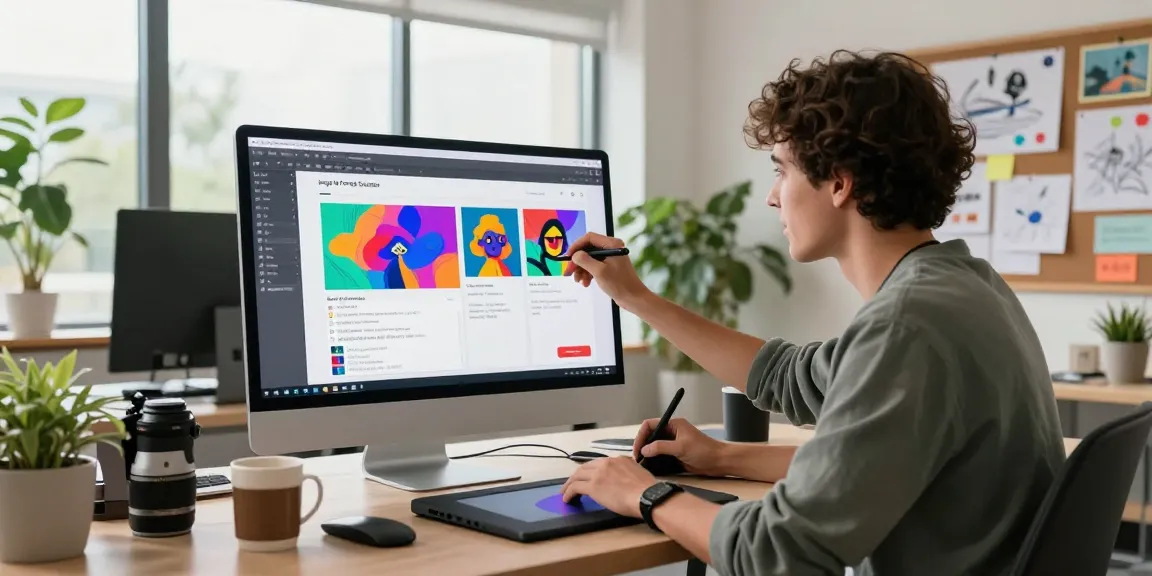
An image to prompt generator is a sophisticated AI tool designed to convert visual imagery into comprehensive text descriptions, or prompts. By analyzing elements such as color, composition, subject matter, and textural details within images, the tool creates a narrative that accurately captures the essence of the visual. Artists can then use these prompts in AI art generators, like Midjourney and Stable Diffusion, to produce new artworks that resonate with the original inspiration.
Benefits for Artists and Designers
The advantages of utilizing an image to prompt generator are extensive:
- Enhanced Creativity: By generating diverse prompts from single images, artists can explore various interpretations and styles.
- Streamlined Workflow: Instead of manually crafting prompts, which can be time-consuming, artists can produce detailed descriptions instantly.
- Accessibility: This technology opens up opportunities for those who may struggle with writing detailed prompts, allowing a broader range of creators to engage in AI-generated art.
- Model Optimization: Different AI models require different types of prompts. An effective generator tailors descriptions specific to each model’s strengths, ensuring optimal results.
How it Transforms Creative Processes
The transformation begins with the collaborative nature of creativity and technology. Artists can take existing visuals—be it their own work, photographs, or even sketches—and use the image to prompt generator to extract detailed descriptions. This not only invigorates their artistic process but also introduces an analytical perspective that may inspire new ideas and approaches in their work. For instance, a graphic designer might convert a photograph of a cityscape into a prompt that captures not only the visual elements but also evokes the atmosphere, helping to generate a unique piece of AI art that speaks to their vision.
How the Image to Prompt Tool Works
Step-by-Step Guide to Generating Prompts
Using an image to prompt generator is a straightforward process, typically broken down into three simple steps:
- Upload Image: Users simply drag and drop a reference image or click to upload. Support for multiple formats, including JPEG, PNG, and WEBP, makes it versatile.
- Select AI Model: Depending on the desired outcome, users can choose from a variety of AI models, including Nano Banana, Midjourney, Stable Diffusion, and Flux.
- Get Prompt: Once the image is analyzed, the tool generates a descriptive prompt that can be copied and used directly in AI art generators.
Choosing the Right AI Model
Different AI models interpret prompts in unique ways, which is why selecting the right model is crucial for achieving desired results. For example:
- Midjourney: This model thrives on artistic and poetic prompts, making it ideal for surrealistic and highly stylized outputs.
- Stable Diffusion: Focuses on technical accuracy; prompts need to be more structured and precise.
- Flux: Designed for cutting-edge applications, this model benefits from concise and clear prompts that can maximize its capabilities.
- Nano Banana: Aimed at quirky and experimental art, it supports creative prompts that encourage artistic freedom.
Understanding Prompt Customization Options
Prompt customization is key to making the most out of the generated text. Users can modify aspects such as tone, style, and specificity. For instance, a user might generate a prompt for a serene landscape, and then tweak it to add elements such as fog or a specific time of day, thereby creating unique variations of their artwork. Customization allows each artist to imprint their own voice and style onto the AI-generated outputs.
Unlock Your Creativity with AI
Techniques for Enhanced Prompt Creation
To maximize the effectiveness of image to prompt generators, consider the following techniques:
- Use High-Quality Images: Better quality images lead to more accurate and descriptive prompts.
- Experiment with Styles: Try using images that represent different genres or artistic styles to explore a variety of creative directions.
- Iterate on Prompts: Don’t hesitate to revise prompts based on initial output, refining them to hone in on the desired outcome.
- Cross-Model Learning: Utilize different AI models for the same image to compare outputs and gather insights into how prompts can be tailored.
Examples of Successful Artwork Generated
Numerous artists and designers have successfully used image to prompt generators to create stunning works. For example, a digital artist might upload a photograph of a sunset. The generated prompt could include descriptions of the colors, clouds, and overall mood, allowing the artist to create a painting that retains the emotional essence of the original image. Additionally, designers have used similar tools to generate background graphics or elements that seamlessly integrate into their projects.
Leveraging Inspiration from Existing Art
Artists can harness the power of existing art to inspire their creations. By converting classic paintings or modern photography into prompts, they can explore how renowned artists approached composition and color theory. This technique can lead to innovative styles and methods that blend traditional aesthetics with contemporary digital techniques, fostering a unique artistic voice.
Frequently Asked Questions About Image to Prompt
Is the Image to Prompt tool really free?
Yes, many image to prompt tools are available for free, allowing users to generate prompts without any financial barriers. However, some advanced features may require a subscription or one-time payment.
Can I use old images for prompts?
Absolutely! Whether it’s family photos or historical images, older visuals can serve as excellent prompts. They often contain rich details and cultural significance that can inspire unique artwork.
What measures are in place for privacy?
Most reputable image to prompt generators prioritize user privacy. For instance, when you upload an image, it is processed in real-time and not stored, ensuring your creative assets remain secure and confidential.
The Future of AI and Image to Prompt Innovations
Emerging Trends in AI Art Generation
The world of AI-generated art continues to evolve rapidly. Emerging trends include the integration of augmented reality (AR) to visualize prompts in real-world settings and enhanced machine learning algorithms that improve the accuracy and creativity of generated prompts. Additionally, community-driven platforms are developing to enable collaboration and sharing among artists.
Upcoming Features and Tools
Future versions of image to prompt generators may introduce features such as real-time collaboration tools, enhanced model optimization, and support for more file formats, all aimed at improving usability and creativity.
Preparing for Advanced AI Video Prompting
As tools for AI video generation become more advanced, the need for high-quality input prompts increases. By using image to prompt generators to create detailed descriptions for video references, artists can achieve better results in AI video creation. This includes maintaining visual fidelity and ensuring narratives are coherently expressed throughout video sequences.